v3.6-chakravyuha
current
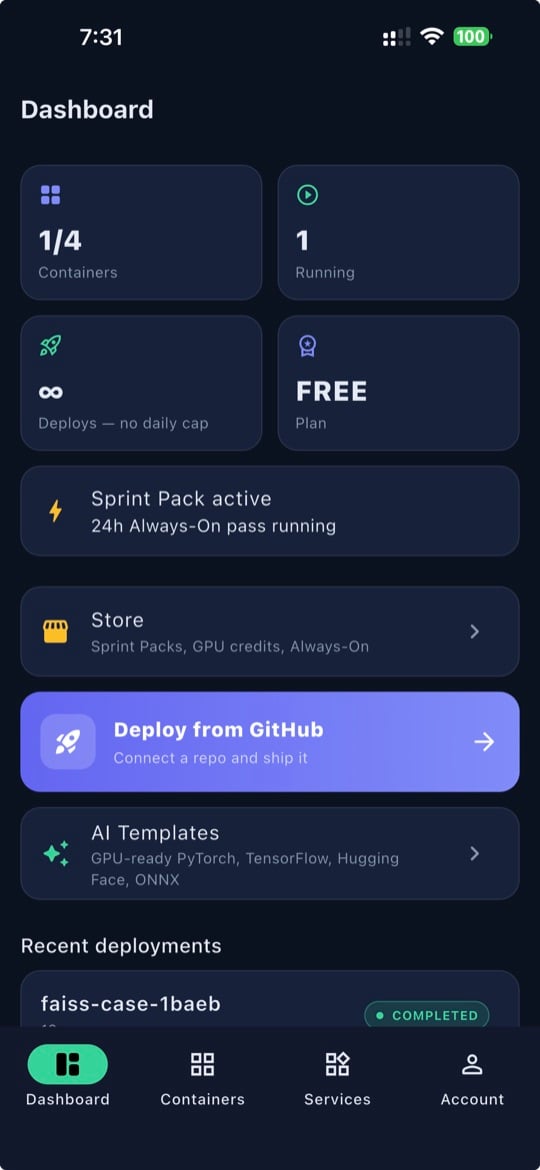
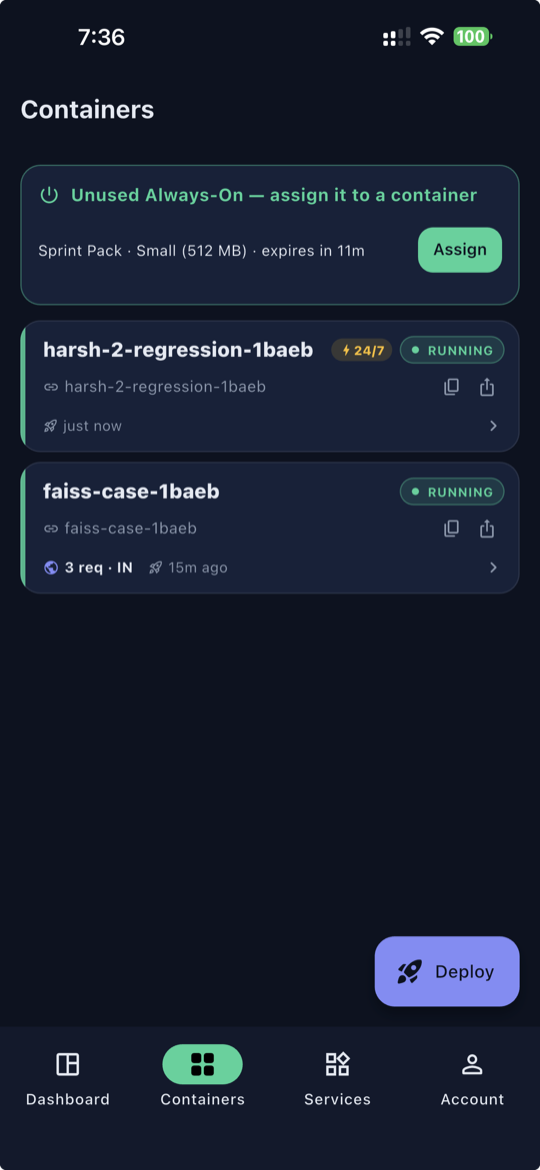
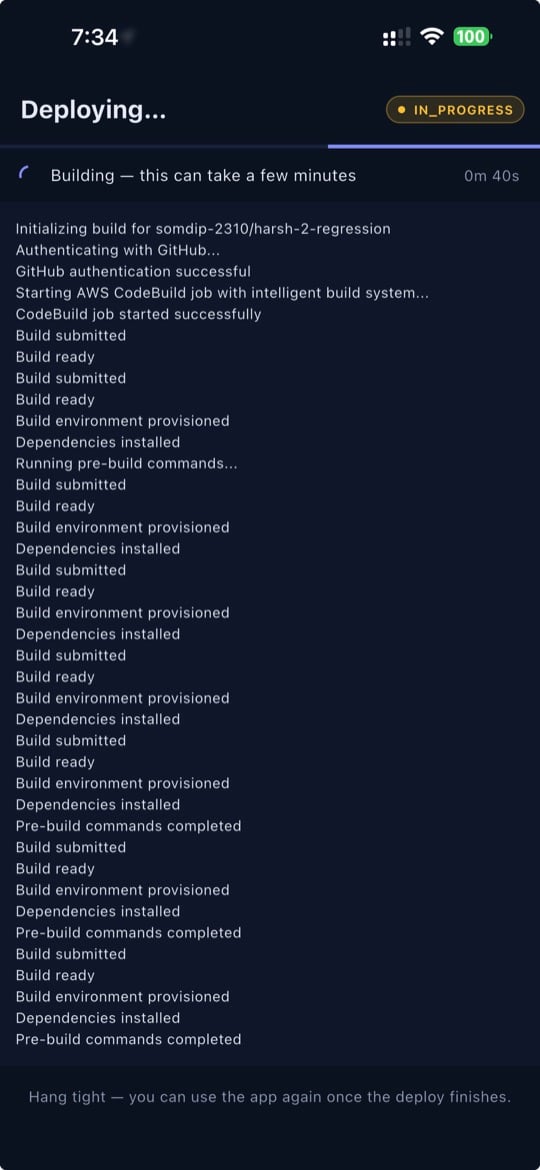
SnapDeploy for Android lands on Google Play — deploy, monitor and wake containers from your Android phone, with Google sign-in, Docker-image deploy and push notifications; same account as the web and iPhone.
8 October 2026
Get the Android app →
v3.5-chakravyuha
Deploy any public Docker image — point SnapDeploy at an image on Docker Hub, GitHub Container Registry, Quay or public ECR and it runs with the right port and CPU architecture, live deployment steps and plain-language pull errors. Every image passes a safety check before it is created.
30 September 2026
Deploy an image →
v3.4-chakravyuha
Deploy from your AI assistant — official MCP connector for Claude Code, Cursor, Codex and Gemini CLI, scoped API tokens (read / deploy / manage) and a new API Keys page. Agents can never delete anything.
23 September 2026
v3.3-chakravyuha
SnapDeploy for iPhone lands on the App Store — deploy, monitor and wake containers from your phone, with Apple Pay via in-app purchases
22 September 2026
v3.2-chakravyuha
Dedicated GPU levels up — new NVIDIA A10G 24 GB tier, four new one-click AI templates (Ollama, vLLM, ComfyUI, Whisper), SnapDeploy-branded endpoints, and GPU builds straight from your source code
3 September 2026
v3.1-chakravyuha
Edit environment variables on running containers — add, change, or delete them live with a zero-downtime rolling restart (no delete-and-redeploy)
6 August 2026
v3.0-chakravyuha
More robust payment options for international customers — pay by card directly, no PayPal account needed
28 July 2026
v2.9-bhishma
Traffic analysis for users — a live world map of where each app's visitors come from
15 July 2026
v2.8-bhishma
Allow external database connectivity for containers — bring your own hosted DB (Neon, Supabase, RDS, Atlas...)
9 July 2026
v2.7-bhishma
Deployed apps now run on a dedicated *.snapdeploy.app domain for stronger security isolation
5 July 2026
v2.6-bhishma
Internal Security Enhancements
28 June 2026
v2.5-bhishma
Paypal integration for International Transaction
11 June 2026
v2.4-bhishma
Introducing the $1 DB, cache and MQ packs — try before you buy
5 June 2026
v2.3-bhishma
Introducing Sprint Pack — first $1/24h Always-On pass in PaaS, pay once and deploy unlimited
13 May 2026
v2.2-bhishma
Zero-GST pricing, 10 free deploys/day with auto-sleep, USD checkout for international users
2 May 2026
v2.1-bhishma
Smart build & security enhancements
24 April 2026
v2.0-bhishma
GPU containers, SmartFix with AI
18 April 2026
v1.9-arjuna
Port auto-detection fixes
10 April 2026
v1.8-arjuna
Payment plan simplified, deploy anytime for free, pay for always-on
3 April 2026